Article
Connect Your Website, CRM and Xero
Stop retyping the same customer record without creating a harder reconciliation problem. Map the first workflow, define which system owns each field and plan for failed synchronisation.
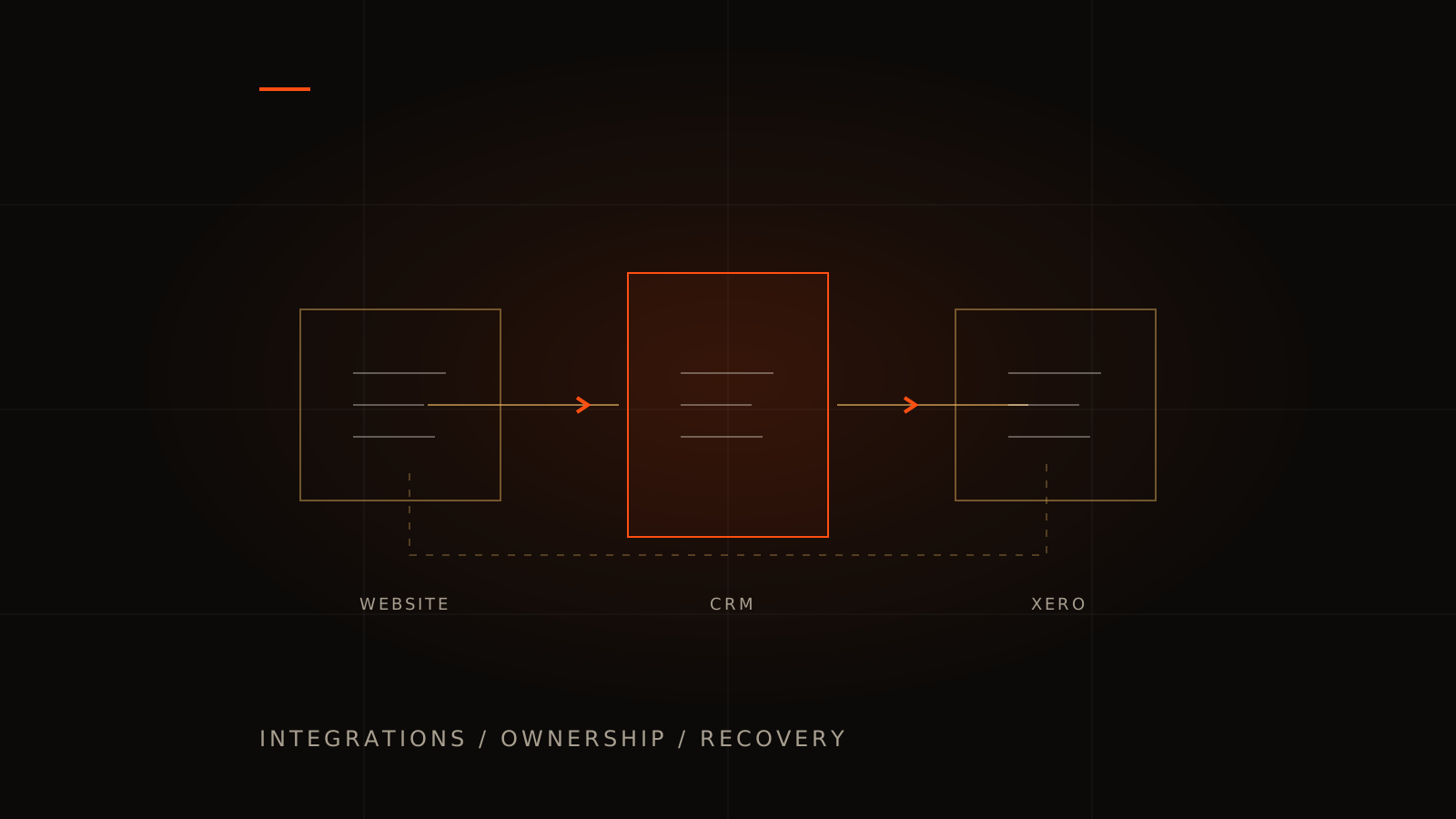
Connecting your website, CRM and Xero starts with a business rule, not an API key. Decide what should happen when a customer makes an enquiry, accepts a quote or pays. Then decide which system is responsible for the customer, the job and the financial record.
A useful first integration might send website enquiries into a CRM with a follow-up owner. Another might create an approved invoice draft from a completed job. Doing both at once without clear ownership can produce duplicate contacts and invoices that nobody trusts. This guide helps Australian business managers scope a controlled first workflow.
Map one real transaction end to end
Choose a recent job and write its steps: enquiry received, deal qualified, quote accepted, job scheduled, work completed, invoice approved, payment reconciled. Mark who makes each decision today. Keep approvals that involve judgement; automate the transfer of agreed information.
For a service business, an example first stage could be: a successful website enquiry creates one CRM lead, assigns a staff member and records the source page. It should not create a sales invoice before the work or price is agreed. Our CRM design and development service starts with that sales process.
If the website also handles appointments, use the booking system brief to define exactly which booking state triggers the next action.
Choose a source of truth for each record
| Information | Possible owner | Decision to document |
|---|---|---|
| Lead status and follow-up owner | CRM | Can the website update status after a salesperson edits it? |
| Booking and job progress | Booking or operations system | Which state is ready for invoicing? |
| Invoice and accounting status | Xero | Who approves drafts, corrections and credit notes? |
| Customer contact details | An explicitly nominated master system | Which changes sync, and how are conflicts resolved? |
The table is illustrative. Your accountant and operations team should approve the actual financial workflow and field mapping. Decide how tax codes, rounding, invoice references, partial payments and refunds are represented. Avoid designing two systems that independently calculate and overwrite the same financial totals.
Use stable system identifiers to link records. An email address can change, and two employees may share a billing inbox. Agree how the integration finds an existing contact and what happens when the match is uncertain. A review queue can be safer than silently merging two customers.
Compare the connector before commissioning custom code
Look for an existing supported integration between your chosen products. Test whether it handles the specific direction, fields, attachments, approval steps and volumes you require. A connector that creates contacts may not handle the invoice lifecycle or reconcile a failed update.
A workflow platform can suit a straightforward sequence when the cost and failure handling are acceptable. Custom integration development is more relevant when you need unusual rules, several linked records, a customer-facing status view or recovery that a standard connector cannot provide. Our automation service can scope either approach; deterministic transfer does not need an AI model just because AI is available.
Include recurring connector fees, API access conditions, monitoring and support in the comparison. Check current product plans and developer terms before committing; a demonstration account may not have the same permissions or commercial limits as your production setup.
Authorise access through the platform
For a standard Xero OAuth integration, a user authorises the application to access a connected organisation. Xero's scope guidance says to request only the permissions needed for the action. The developer should explain those permissions, how the connection is maintained and how your team can disconnect it.
Do not paste accounting passwords, private API keys or customer exports into a website enquiry. Share an anonymised example of the workflow first. Arrange account invitations or the platform's connection flow once the scope and responsible people are agreed.
Some integrations only need to read data; others need to create or change records. Distinguish them in the scope and test the correct organisation connection. Access to one company must not accidentally be reused for another customer's records.
Make failed synchronisation visible and recoverable
An integration has to cope with unavailable services, revoked permissions, validation errors and repeated events. A successful test with one record does not prove the operating workflow.
- Duplicate prevention: give each business operation a stable reference so retrying it does not create another lead, job or invoice.
- Status: show staff which records are pending, complete or need attention.
- Recovery: allow an authorised person to correct a rejected field and retry the same operation.
- Reconciliation: compare the source and destination periodically so missed records do not stay invisible.
- Traceability: retain the relevant record identifiers and failure reason without logging unnecessary personal data or credentials.
Xero documents rate limits and a Retry-After response when requests exceed them. The practical requirement is that your integration slows down and retries appropriately instead of losing work or repeatedly hammering the API. Ask the developer to size the workflow against the current limits for your connection.
Agree acceptance evidence before go-live
- A normal transaction arrives with the agreed fields and the correct organisation.
- The same event is repeated and still produces one intended business operation.
- A record rejected for invalid data can be corrected and recovered.
- A disconnected account produces a visible actionable state.
- A customer detail changed in both systems follows the agreed conflict rule.
- A test batch reconciles by record count and relevant values, with exceptions explained.
Use test organisations or agreed non-production records for development. The handover should identify who handles exceptions, who renews access, how updates are deployed and what support is included. If customers need to see the resulting status, include that view in the customer portal scope.
Alphesda works from Melbourne with Sydney and other Australian teams. Book a Discovery Session with your existing products, one manual workflow and a redacted example. We can assess whether configuration, a connector or a custom build is the appropriate first stage. If that workflow sits inside an unfinished AI-built app, start with the completion and handover guide.
Website, CRM and Xero integration FAQs
Can our website create invoices in Xero?
It may be possible through a supported connector or the API, subject to permissions and the agreed workflow. First decide what authorises invoice creation and whether it should create a draft for review. Your accountant should approve the accounting treatment.
Do we need two-way synchronisation?
Only for fields with a clear reason to move both ways. One-way ownership is easier to reason about. If both systems can edit a field, specify how conflicts are detected and resolved.
Will an integration remove all manual work?
No. It can remove repeated transfer and make exceptions easier to handle. Approval, ambiguous customer matches and unusual financial cases may still require a person. Measure the time spent on those exceptions as well as successful transfers.
What should we provide for a quote?
Name the products and plans, the records and fields to move, the trigger and direction, approximate volume, required approvals and examples of failures. Do not include real customer data or credentials in the initial enquiry.