Automation & AI engineering

AI engineering and automation in Melbourne

We build AI assistants, workflow automations and integrations around the systems your business already uses. Explore our AI concierge and booking projects, then send one task you want to improve. Melbourne-based, working Australia-wide and internationally.

Transparent pricingMelbourne · WorldwideNo lock-in contracts
AI Automation Melbourne

Built by Alphesda

See the work behind the service

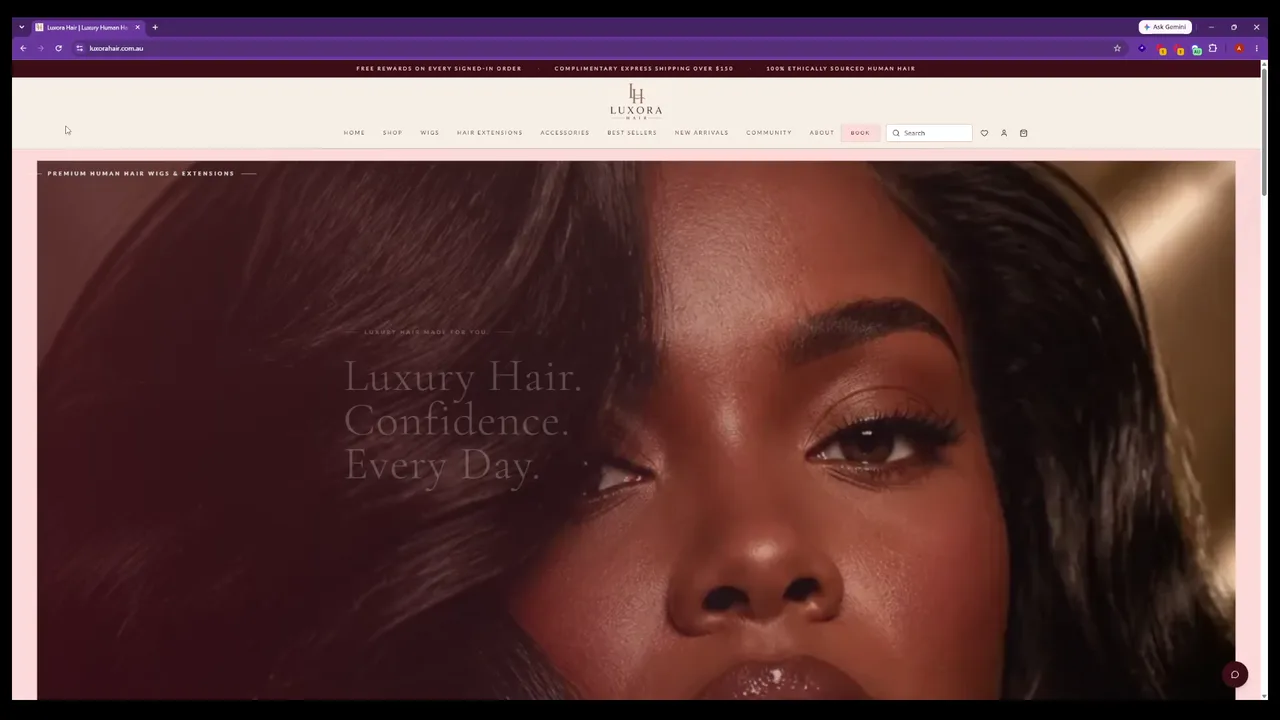
Luxora Hair: an AI concierge connected to the store

We built the Gemini-powered Beauty Concierge as part of the Luxora Hair platform. It uses product tools and a handoff to the staff inbox when a person needs to take over. The published case study explains the customer app, commerce backend and operator tools around the assistant.

Inspect the AI concierge implementation ↗
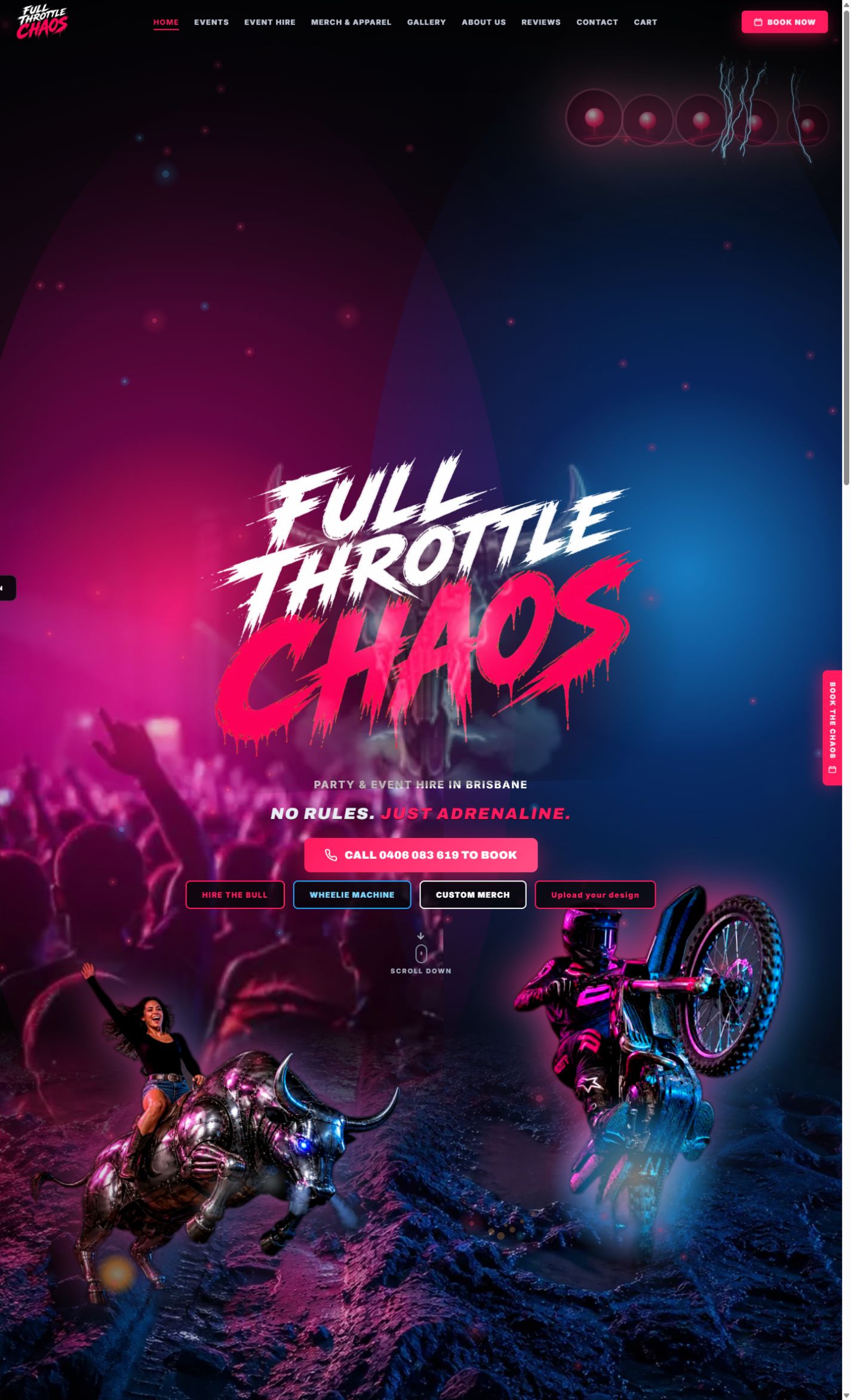
Full Throttle Chaos: a request with booking rules behind it

The hire application connects customer requests, equipment capacity, staff review and the payment handover. Its case study describes the workflow and dated delivery checks. This is rules-based workflow evidence, useful when a clear business rule is enough to move the work forward.

Read the booking workflow case study ↗

Try a small example

One request. The right next step.

A useful system makes the exceptions clear. Change this sample booking request and see where it should go.

Route a sample request

Illustrative rules only. No booking, payment or customer record is created.

Next action

Ready to choose a time.

Show the package, price and available appointment together. Confirm the booking only when the required checks succeed.

  1. 01Confirm the package and price
  2. 02Choose an available appointment
  3. 03Show confirmation after acceptance
Audit the stack · keep what pays · add the gap

What you get

Audit what you run. Add only what pays

An automation audit of the recipes, scripts, and handoffs you already have. New automations only where nothing reliable covers the step.

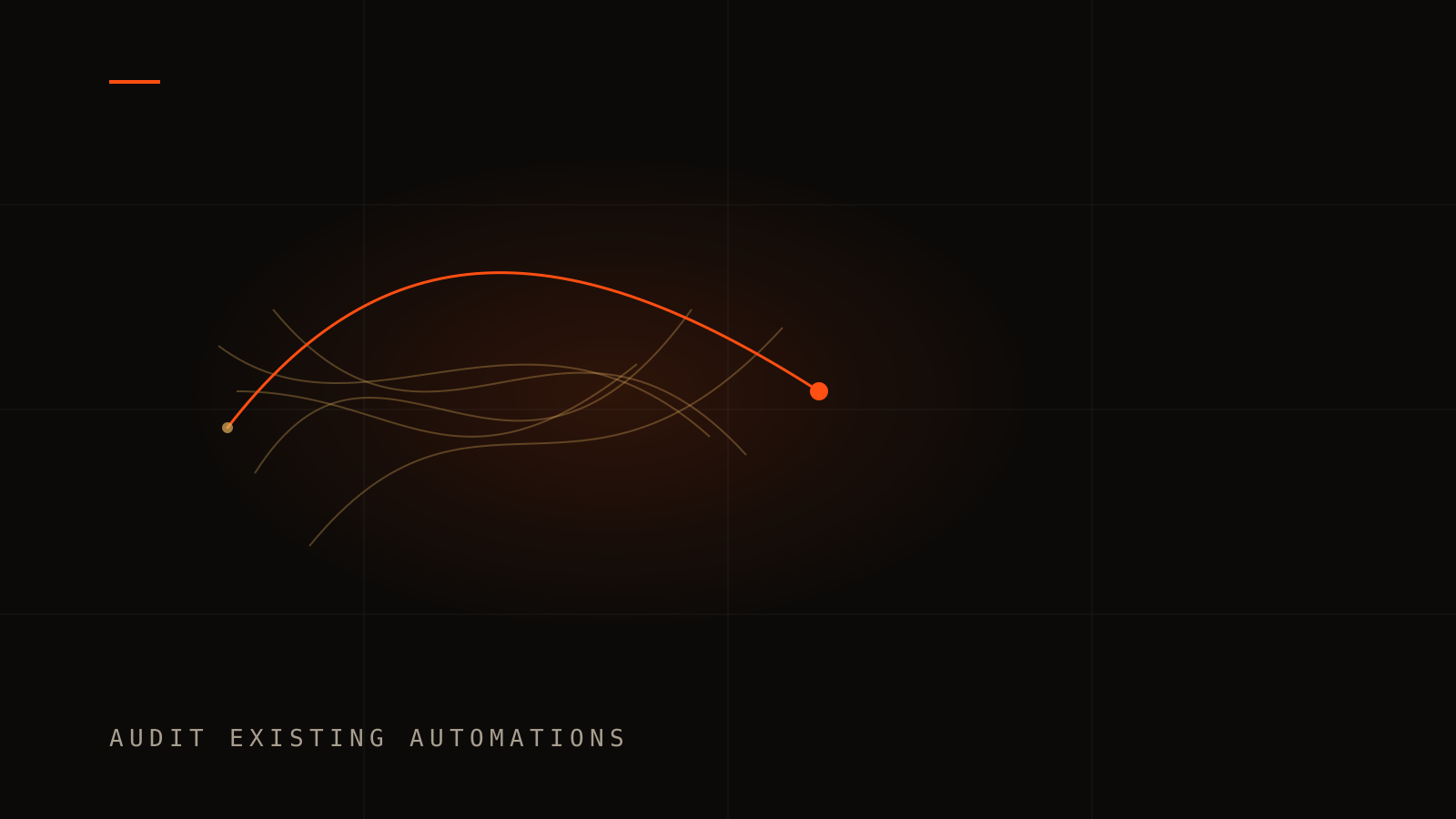
Audit existing automations

We map no-code recipes, scripts, and the manual handoffs between them. Each one is marked keep, repair, or retire, and ranked by hours saved per dollar.

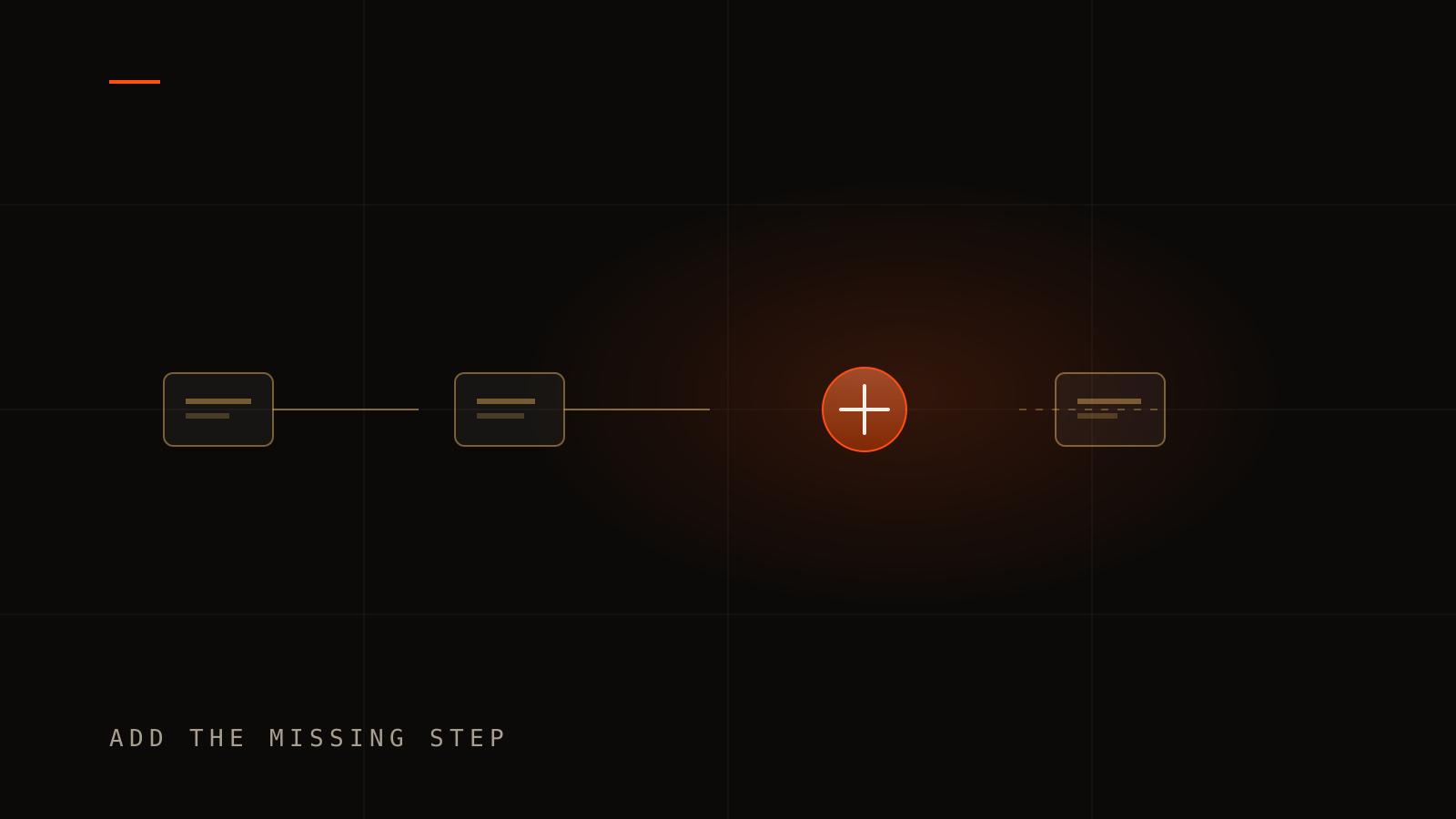
New automations where the gap is real

We add a workflow only when a person is still re-typing, chasing, or copying between systems. That is business process automation for the step nothing you already run covers well.

AI agents & assistants

Custom AI assistants trained on your business: answering customer questions, qualifying leads, drafting quotes, and triaging enquiries — with a human in the loop where it matters.

Workflow automation

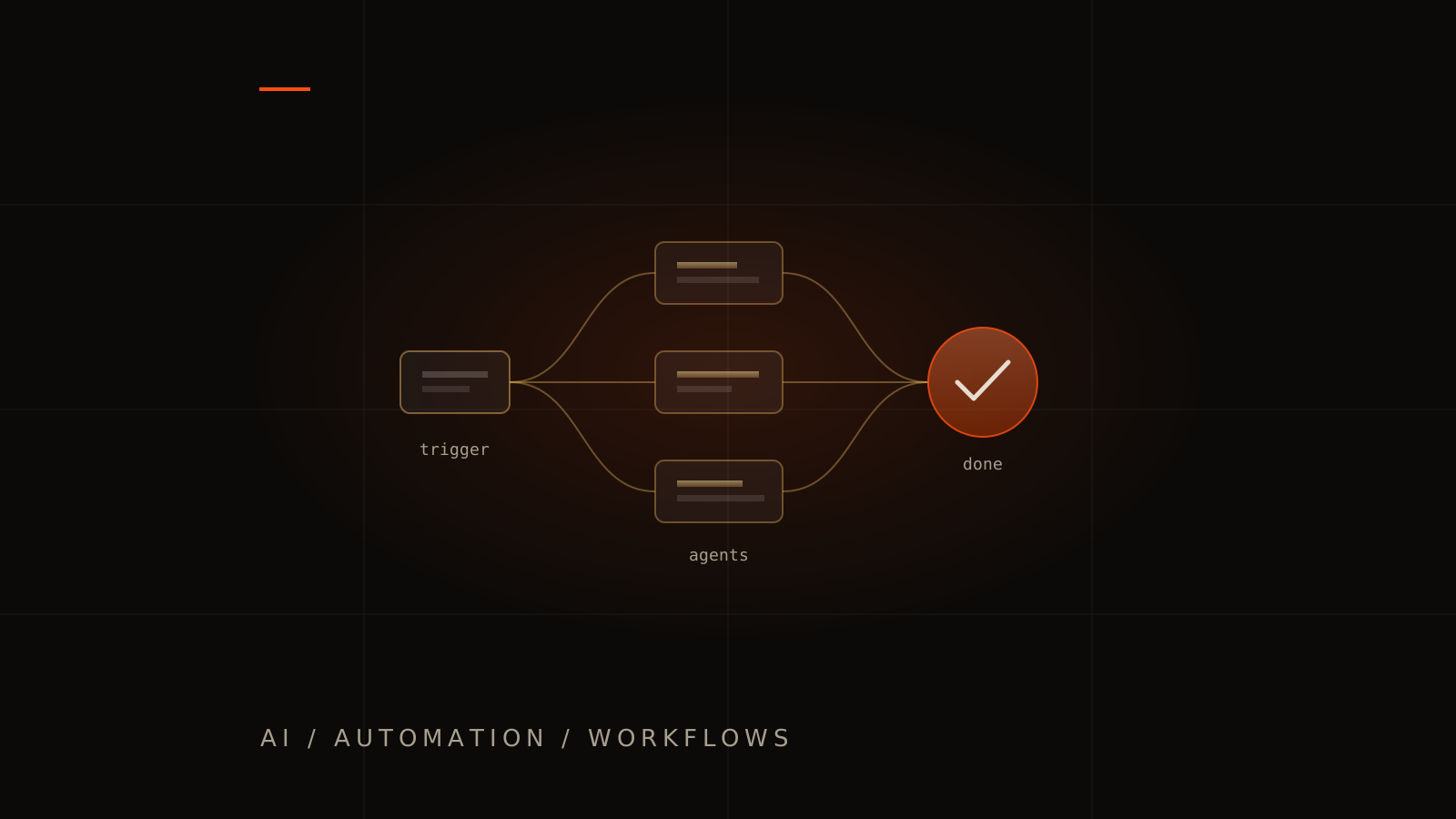
Forms, approvals, invoicing, onboarding, and reporting connected end-to-end. Define the trigger, checks, retries and staff exceptions before connecting the systems.

Document & data processing

Invoices, applications, contracts, and inboxes read by AI and pushed into your systems as structured data — the busywork nobody was hired to do, done by software.

Custom integrations

Your CRM, accounting, marketing, and operations tools talking to each other through proper APIs — not a shoebox of brittle no-code duct tape.

Monitoring and recovery

Plan failed requests, repeated events, service limits and a manual fallback. An operator needs to see what ran, what needs attention and how to recover without duplicating the work.

Audit

Audit the automations you already run

Most businesses already have recipes, inbox rules, and spreadsheets that half-work. An automation audit traces which path still pays, which one fails quietly, and which handoff never left a person.

Add

Add a new automation where the hours are

We do not add a tool because the category is fashionable. Business process automation earns a build when a step still sits with your team: re-typing, chasing, or copying between systems you already trust.

Scale

The same method at any scale

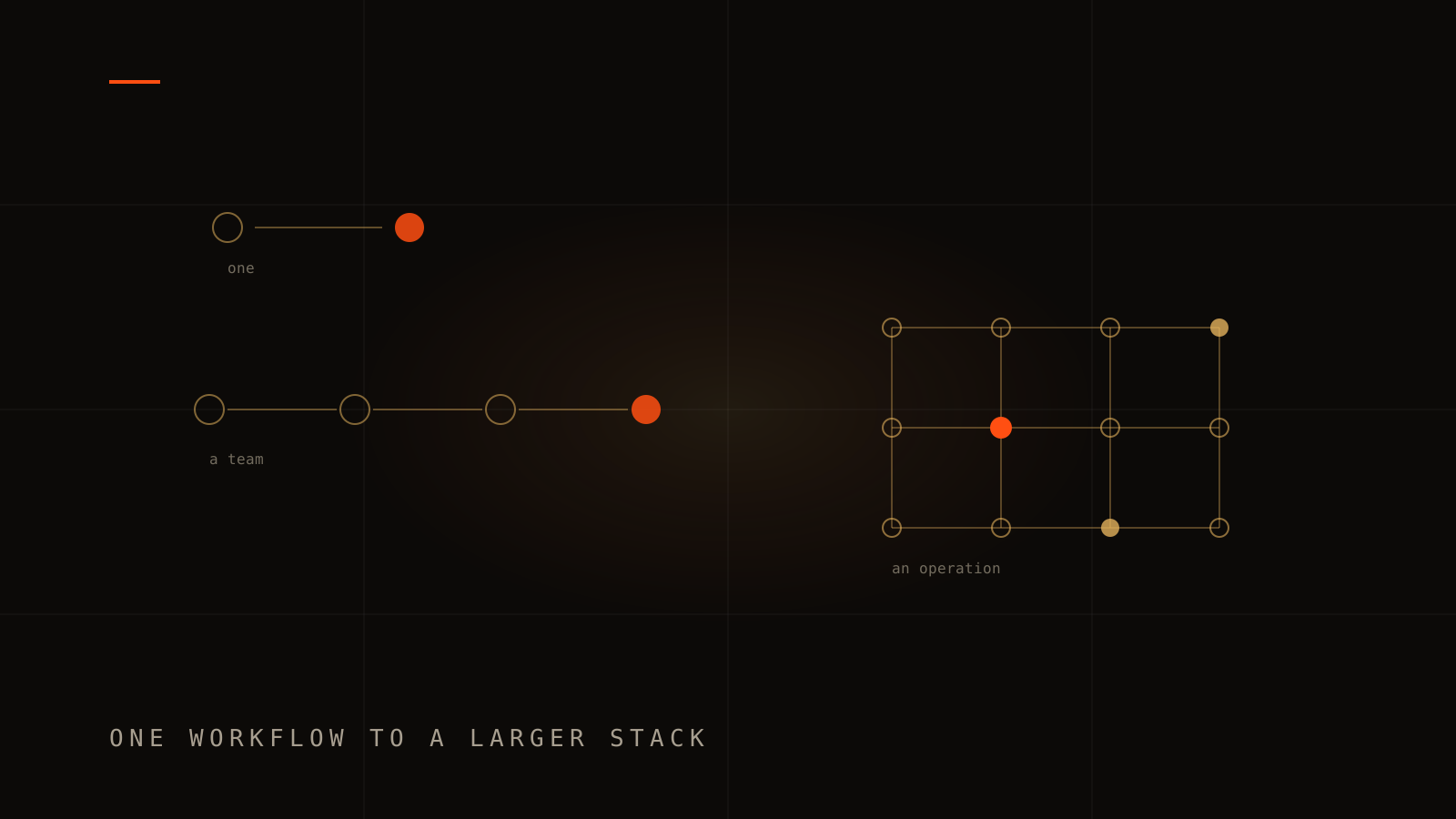
Workflow automation for a small business can be a single path. AI automation for a growing team is that path drawn longer, with a human in the loop where judgement stays. A larger operation gets a lattice, not a different product.

Fit

Who this is for

Teams drowning in repetitive admin

Re-typing between systems, chasing approvals, copying data from emails into spreadsheets. Start with the repeated task, how often it happens and how your team handles exceptions.

Teams whose automations nobody trusts

Recipes that fail quietly, a script only one person understands, and an inbox still doing the handoff. The same automation audit fits one workflow for a small business or a larger stack for a growing team.

Businesses ready to answer customers 24/7

Enquiries arrive after hours, on weekends, and during school holidays. AI assistants trained on your business can qualify leads and answer common questions while your team sleeps.

Not a fit for AI hype without a process

If you want a chatbot because everyone is talking about AI but nobody can name the workflow it replaces, start with our audit. We do not ship unsupervised agents on half-finished auth. We build what saves hours, not what looks impressive in a demo.

Teams shipping AI on customer data

Define which records an assistant can read, which actions it can take and when a person must approve. We review permissions, data residency requirements and whether the proposed collection needs a Privacy Impact Assessment.

Industries

Where we show up most

Professional services

Client onboarding, document intake, quote drafting, and follow-up sequences that free consultants to do billable work instead of admin.

Trades and field services

Quote requests triaged automatically, job details pushed into your job management system, and customer updates sent without someone re-typing the same message.

Ecommerce and memberships

Order processing, customer support triage, inventory alerts, and marketing triggers wired between your store, CRM, and accounting package.

Outcomes

What you walk away with

Ranked by hours saved per dollar

Estimate task volume, handling time, exception rate and running costs before choosing a build. Compare those assumptions with observed results after release.

Human in the loop by design

AI handles volume and speed. People keep judgement calls, exceptions, and relationships. Oversight is built in, not bolted on after a mistake.

Ownership and operating instructions

Agree who owns the repository, connected accounts and workflow rules. Include monitoring, recovery and the people responsible for handling exceptions in the handover.

How it works

A process without black boxes

  1. Audit the stack

    A Discovery Session that maps the automations you already run, plus the handoffs still done by hand.

  2. Keep, repair, or retire

    What already pays stays. Brittle steps get repaired. Overlapping tools get retired before anything new is built.

  3. Prototype the gap

    A working proof on your real data for the new automation, so you see the hours move before a full build.

  4. Measure and extend

    Agree the baseline, test the workflow and compare handling time, errors and running cost after release. Use the result to decide what follows.

Bring one workflow to the brief

Tell us which tools you use, what starts the task, who handles it and where it stalls. A redacted example is enough for the first conversation. Leave customer records, passwords and private documents out of the enquiry form.

Request a Discovery Session

Proof

Work that backs the pitch

Inspect an AI assistant with a staff handoff and a booking workflow with capacity rules. These case studies describe the implementation; business outcomes need their own measured evidence.

Questions

Straight answers

What is AI automation for business?

AI automation combines workflow automation (systems passing work between each other automatically) with AI models that can read, write, and decide — so tasks like answering enquiries, processing documents, and qualifying leads happen without a person touching them. The goal is simple: fewer repetitive hours, faster responses, fewer errors.

Is Alphesda Interactive an AI agency?

Alphesda Interactive (AI) is a Melbourne studio. The initials are the brand. Artificial intelligence is one practice: agents, workflow automation, and integrations ranked by hours returned, not a chatbot bolted onto a homepage.

How much does AI automation cost?

Single-workflow automations typically start in the low thousands. Custom AI agents and multi-system builds receive a staged quote after a Discovery Session. The scope depends on access to your systems, data quality, approvals, testing and support. Include model usage and other provider fees when comparing the ongoing cost.

Will AI automation replace my staff?

In practice it replaces the parts of their job they complain about — re-typing, chasing, copy-pasting — and gives the hours back for work that needs a human. Our builds keep a human in the loop for judgement calls by design.

Is our business data safe with AI tools?

It has to be designed that way. We build with Australian data residency where required, private or enterprise AI endpoints, least-privilege access, and clear rules about what data models can see. Security review is part of every build, not an add-on. Australian headlines from Optus to Mathspace keep repeating unpatched admin tools and missing MFA. Those gaps apply to vibe-coded apps and AI agents too. See our Australian cyber breaches roundup, then a vibe coding audit or Privacy Impact Assessment before go-live.

Can automation work with our existing software?

Almost always. Modern CRMs, accounting packages, and even many legacy systems expose APIs we can integrate with — and where no API exists, AI-driven document processing can bridge the gap.

How long does an automation project take?

Single-workflow automations often land in 2–4 weeks. Multi-system AI agents and document pipelines take longer. We prototype on your real data within weeks so you see value before committing to a full build.

What is the difference between workflow automation and AI agents?

Workflow automation moves data between systems on fixed rules: when X happens, do Y. AI agents read, write, and decide within guardrails: answer a customer question, extract fields from an invoice, or draft a quote. Most projects combine both.

Can we claim R&D tax incentives on automation builds?

Eligibility depends on the activity and the relevant programme rules. Your accountant or R&D adviser should assess it. We can document the engineering work; an automation build does not by itself establish eligibility or a refund.

Do you audit automations we already have?

Yes. An automation audit maps the recipes, scripts, and manual handoffs already in the business. We mark each one keep, repair, or retire before proposing anything new. You can stop after the audit.

Will you replace our current tools?

Only when they fail, overlap, or cost more hours than they save. Working workflow automation stays. We repair what is brittle and retire what duplicates another system.

Do you work with small businesses and larger operations?

Yes. A small business might start with one workflow. A growing team might need an automation audit across several systems. The method is the same. The depth follows the stack, not a company-size label.

When do you add a new automation instead of fixing the old one?

We add a new automation when the step is still done by a person, or when the current tool cannot do it safely. If a repair returns the hours, we repair. AI agents sit on top only where language or a draft is the gap, with a human in the loop.

Next step

Which task should your team stop repeating?

Send the workflow, the tools involved and the point where a person needs to stay in control. We will use that brief to discuss an audit, integration or first automation.