Article
Web App vs Mobile App
Most businesses ask "how much is an app?" before asking "which kind?" — and the second question changes the first answer by tens of thousands of dollars.
"We need an app" is how most software conversations start. But app covers two very different investments: a web app that runs in any browser, and a mobile app that lives in the App Store and Google Play. Choosing wrong in either direction burns money — one direction buys capability you will not use, the other buys friction your customers will not tolerate.
This guide gives you the practical differences, the real cost gap, and five questions that settle the choice for most businesses.
What each one actually is
A web app is software accessed through a browser — think Xero, Canva, or your online banking on a laptop. Nothing to install, updates ship instantly to everyone, and one build serves every device.
A mobile app is installed from an app store onto the phone itself. It can work offline, send push notifications, use the camera and GPS deeply, and sit on your customer's home screen as a daily reminder you exist.
Web app vs mobile app: side by side
| Factor | Web app | Mobile app |
|---|---|---|
| Typical cost (AUD) | $15,000 – $50,000 | $30,000 – $90,000 |
| Works without install | Yes — share a link | No — store download required |
| Push notifications | Limited | Full support |
| Offline use | Partial | Full support |
| Updates | Instant, invisible | Store review, user must update |
| Store fees on revenue | None | 15–30% on in-app purchases |
| Home-screen presence | Weak | Strong |
| Discovery | Google search & SEO | App store search |
For a deeper look at what drives those price ranges, see our 2026 Australian app development cost guide.
Five questions that settle it
1. How often will one person use it?
Daily use earns a home-screen icon; occasional use does not. A gym member checking classes every morning justifies a mobile app. A customer booking your service twice a year will never install one — they will Google you, which makes the browser your storefront.
2. Do you need the phone's hardware?
Barcode scanning in a warehouse, offline forms on a worksite with no reception, GPS tracking on deliveries — genuine hardware needs point at mobile. "It would be nice to send notifications" is not a hardware need; email and SMS exist.
3. Where will people find you?
If customers discover you through Google, a web app extends your website and inherits its search rankings. An app store listing starts from zero. This is why we build most customer acquisition tools as web apps wired into the client's website and SEO engine, and reserve mobile for retention.
4. Who are the users — customers or staff?
Internal tools are almost always better as web apps: no store approvals, no forced updates across a fleet of devices, instant rollout of fixes. The exception is field staff who work offline.
5. What can you maintain?
A mobile app is a standing commitment: OS updates break things annually, stores change policies, and every release needs review. If your budget is one build with light upkeep, the web is the honest choice.
The middle path: progressive web apps
A progressive web app (PWA) is a web app that can be "installed" to the home screen, work partially offline, and send push notifications on Android (with narrower support on iOS). For many businesses a PWA delivers 80% of the mobile-app experience at web-app cost — and it can graduate to a full native app later with the backend already proven.
We often recommend this sequence: launch as a web app or PWA, measure what users actually do, then invest in native mobile once retention data justifies it. It converts a $90,000 bet into a $30,000 experiment with an upgrade path. If you want that sequence mapped to your product, request a Discovery Session.
When you genuinely need both
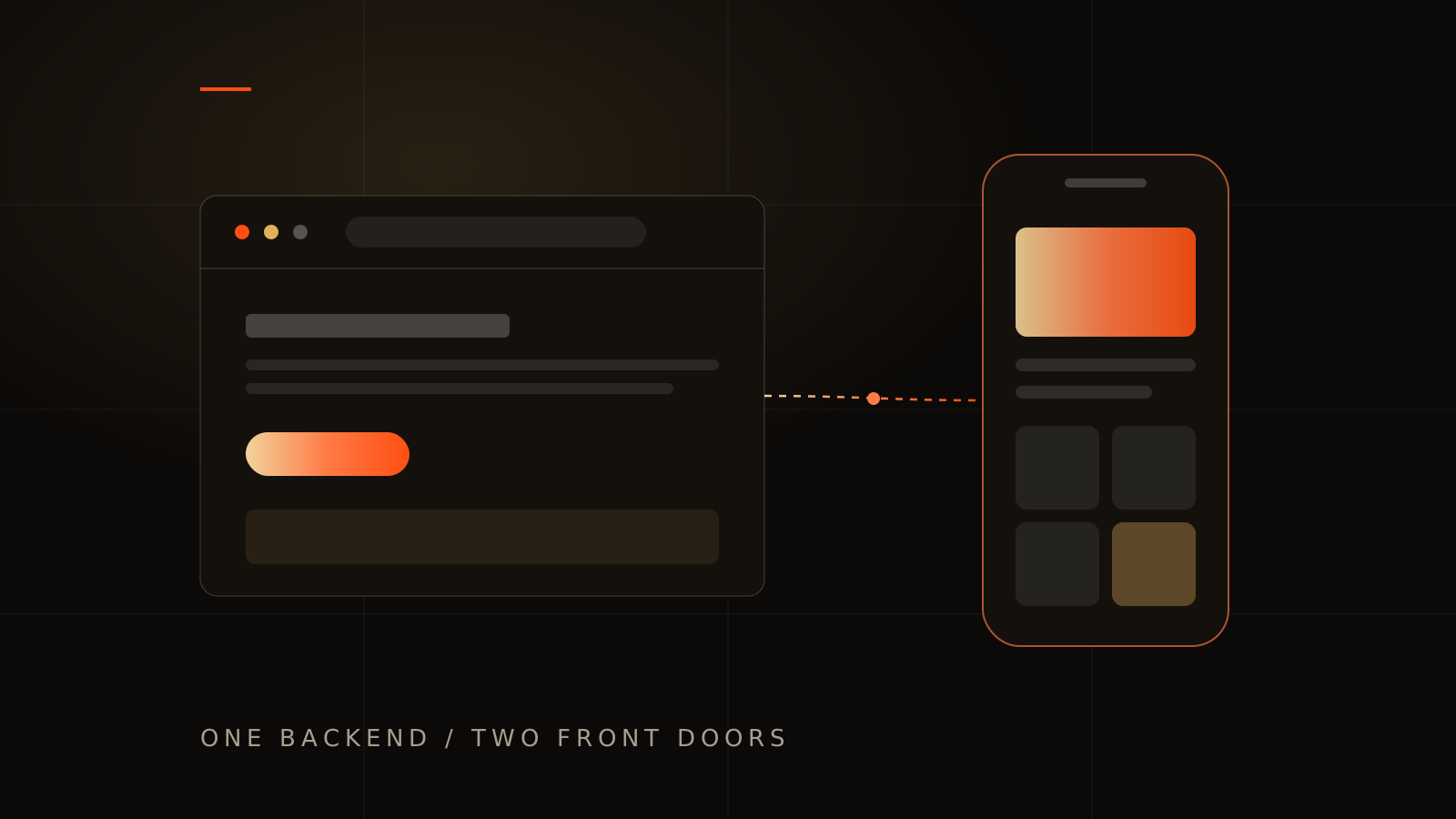
Marketplaces, booking platforms, and anything with a two-sided audience often end up with a web app for acquisition and administration plus a mobile app for the high-frequency side. Build them in that order, on one shared backend — that sequencing is a core part of the product strategy stage in our app design and development engagements, and you can see it play out in our case studies for booking and multi-vendor platforms.
Web app vs mobile app FAQs
Is a web app cheaper than a mobile app?
Usually 40–60% cheaper for equivalent functionality, because one browser build replaces two platform builds plus store overhead — and every update ships once, instantly.
Can a web app be converted into a mobile app later?
Yes, and it is often the smartest sequence. The backend, accounts, and business logic carry over; you are only rebuilding the interface layer for the stores.
Do mobile apps rank on Google?
Not meaningfully — app store pages can appear in results, but your app's content is invisible to Google search. If organic search drives your growth, that alone often decides the question.
What is the minimum budget for a business mobile app in Australia?
Around $30,000 for a well-built cross-platform app with one clear job. Below that, ask hard questions about what is being cut — usually it is design, testing, or your ownership of the code.