Article
Lovable Bolt to Shopify Melbourne
The React preview is not a Liquid theme. Treat the AI build as a blueprint, then put products, tax and payments where Shopify already works.
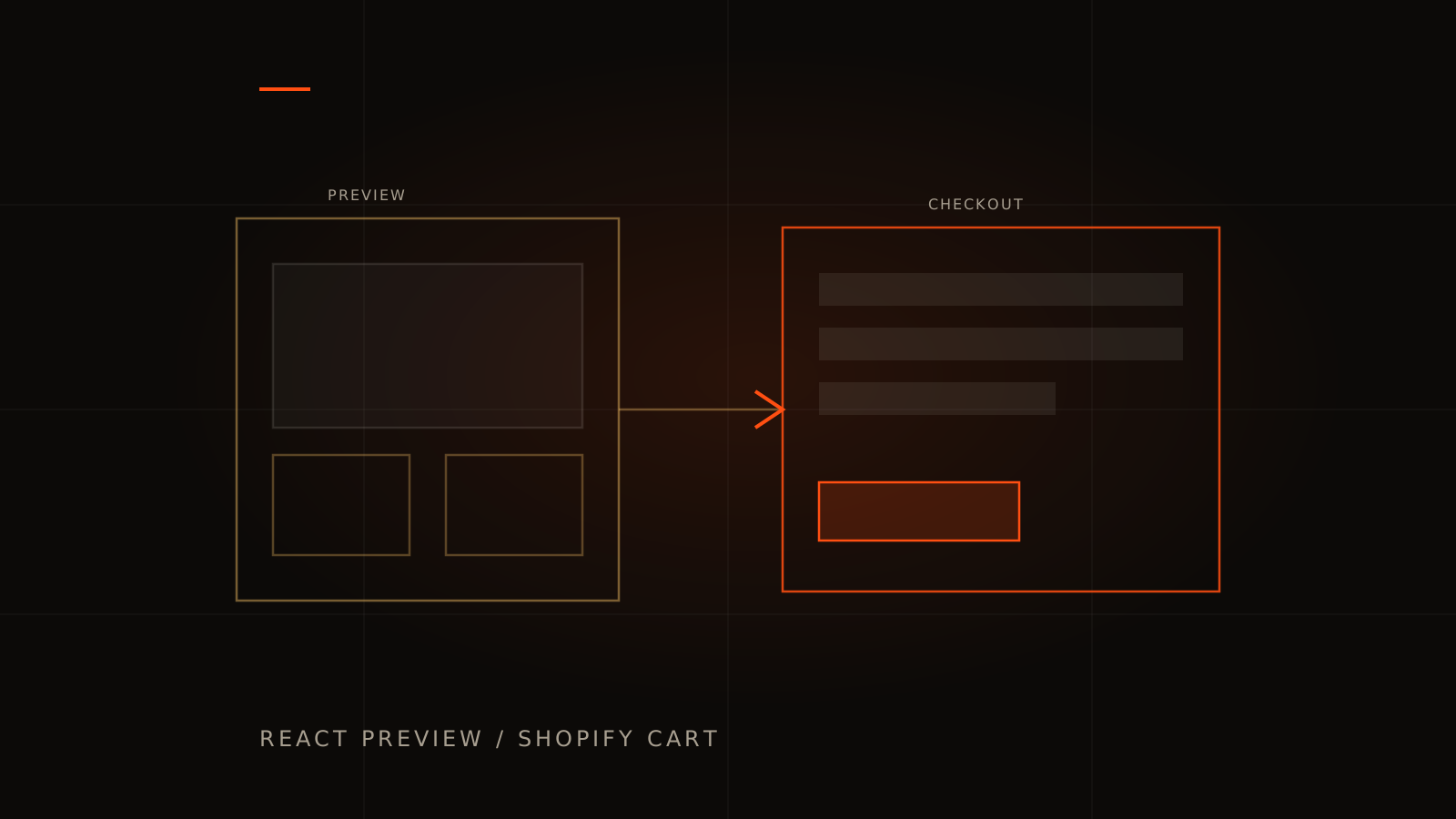
Beauty and fashion brands often validate a storefront in Lovable, Bolt, v0 or Cursor. The hero looks expensive. Product cards feel done. Then someone asks to go live on Shopify with real inventory, shipping, tax, Shop Pay, Klaviyo and Meta pixels.
That is platform gravity. Shopify checkout and the app ecosystem are not a React export. Public migration guides and merchant threads keep saying the same thing: treat the AI UI as a visual reference, then translate into Shopify sections or a deliberate headless setup where Shopify still owns checkout.
Published ecommerce work you can inspect is The Makeup Co and Luxora Hair. Those show craft and scope. They are not a promised result for your catalogue.
What usually breaks
- Disconnecting the builder leaves you without a durable storefront on Shopify.
- React or Vite output does not drop into Liquid.
- A Lovable app listed as a Shopify theme whose Liquid, JSON and CSS do not match the live preview is often an app-embed or script-tag shell, not a theme you can edit.
- Pixels, reviews, subscriptions and tax that are one-click apps on Shopify become months of custom work elsewhere.
- CSR shells can hide products from crawlers and social previews until you add real server rendering or theme HTML. That is a backlog, not a claim that Lovable can never rank.
- DIY Stripe beside Shopify doubles the places orders can desync. After a Bolt export, Stripe webhooks are often unreachable from the preview URL.
The professional trigger
You cannot hire a normal Shopify developer to just fix the Lovable file. You cannot edit product storytelling without burning builder credits. Orders, stock or refunds disagree. That is engineering and integrity.
If the real problem is a custom app beside the store, that is a different hire. Use the vibe coding audit. If the problem is a marketing site that happens to mention products, start from when your AI build needs a professional.
What we do
- Agree whether the AI build is a blueprint or a salvageable headless front.
- Map URLs and 301s if you already rank.
- Rebuild as native Shopify theme sections and settings where that is the honest path, or wire Storefront API with Shopify-owned checkout if headless is justified.
- Connect the apps you actually need (email, reviews, pixels) inside Shopify's model.
- Hand over a theme a human can edit.
Start from ecommerce website design Melbourne or a Discovery Session. If you also shipped a custom loyalty or account app beside Shopify, add the vibe coding audit.
SEO and URL notes before you switch frontends
If the AI site already has indexed URLs, changing to Shopify without a map deletes that work. Inventory every live path, keep what you can, and 301 the rest to the closest product, collection, or article. Do not dump everything to the homepage. The manager checklist is website redesign without losing SEO.
Lovable and Bolt to Shopify FAQs
Can you import my Lovable GitHub into Shopify automatically?
Not as a faithful one-click theme. Converters and exports keep the shell. Checkout, apps and editable sections are the real project.
The Lovable Shopify theme does not match the editor. Why?
The listing is often an embed shell, not a Liquid theme. Staff cannot edit what they see. The finish is a native theme that matches checkout, not another preview.
Should I stay on the AI host?
For a brand store, usually no. You want your domain, your Shopify admin, and a theme your team can change.
What about SEO during migration?
Plan redirects and rendering before cutover. See website redesign without losing SEO rankings.
Ready to put the storefront on Shopify?
Bring the preview, the Shopify store (or plan), and the apps you must keep. Book a Discovery Session. Call 0481 347 115 or 03 7073 2727. connect@alphesda.com.