An order gets lost or duplicated
Make sure a retry cannot create the same order twice. Identify a reliable source identifier and agree what staff see when an order is rejected.
Connected commerce / Oracle NetSuite
When storefront orders, stock and financial records do not agree, it is your team that reconciles the gap. Scope a reliable connection between your ecommerce storefront and an existing Oracle NetSuite account.
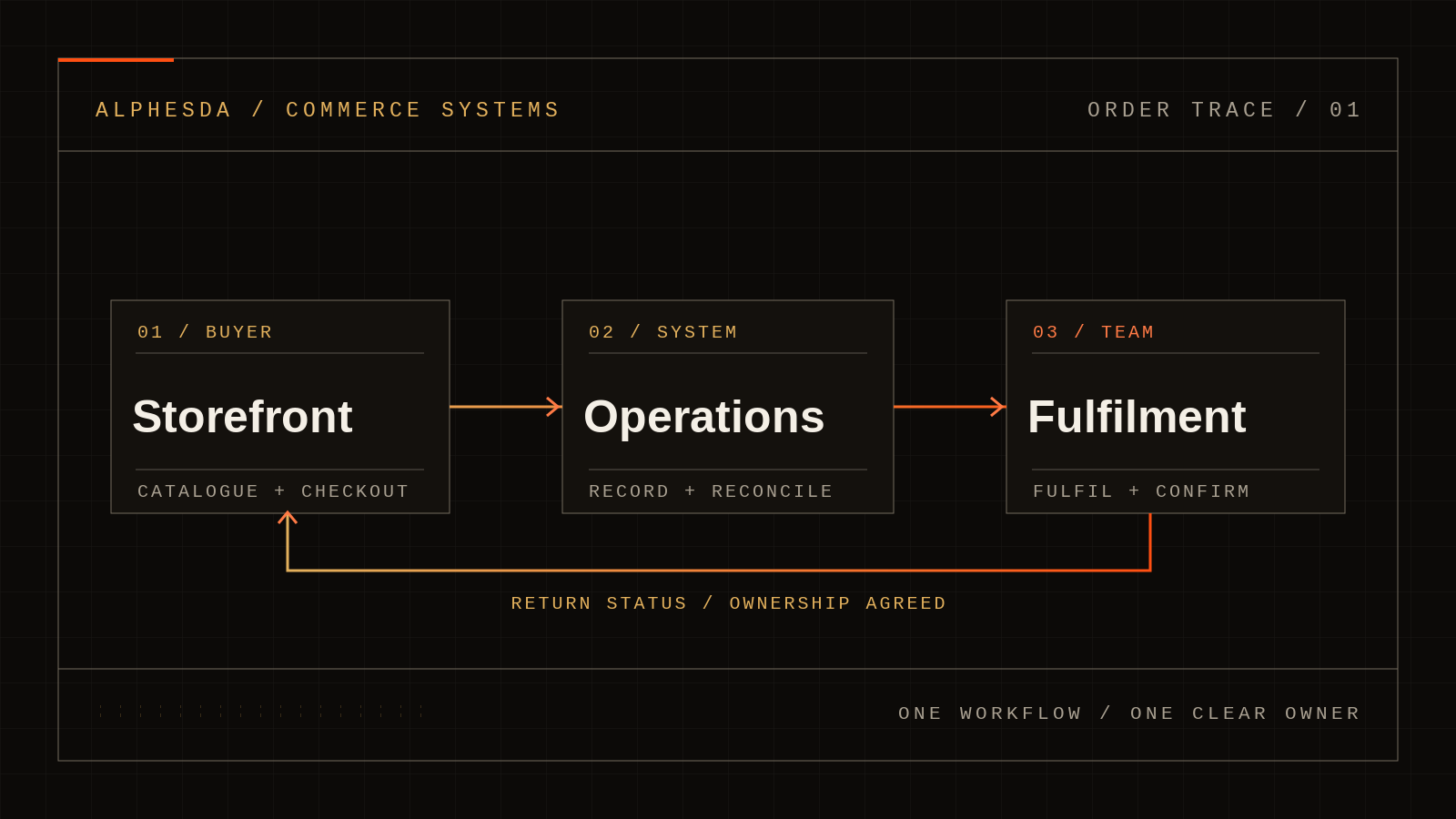
What gets in the way
Before
Records drift apart
After
Checked sync
Make sure a retry cannot create the same order twice. Identify a reliable source identifier and agree what staff see when an order is rejected.
Agree which warehouse locations and availability rules matter, how fresh updates need to be and what to show when data is late.
Agree fields and ownership with your finance and operations teams. Make the expected totals and references traceable and easy to reconcile before launch.
An integration brief, not a reimplementation
Assign ownership for agreed product, price, inventory and order data. Start with one flow and confirm identifiers, permissions, record support and exceptions.
Evaluate an approved connector against Oracle SuiteTalk REST or scoped middleware. NetSuite licences, API features, roles and a suitable test account must be confirmed first.
Test order replay, failures, refunds or returns where in scope, stock timing, operational alerts and recovery. Agree sign-off, cutover and support with the people who will run it.
How it works
Start with an example order or stock exception, the systems that touch it and the people who correct it today.
Use representative test data and test access. Compare results against the agreed data map and let staff rehearse a failed sync.
Document monitoring, replay, reconciliation and access. Confirm who owns the integration and support before expanding its scope.
If the work fits the one-storefront package, the delivery price is A$72,000 after scope confirmation. Specialist integration-only projects and work beyond that package are quoted separately.
Discuss your ecommerce projectProof
Real builds, not stock screenshots. See how the craft lands for clients like you.
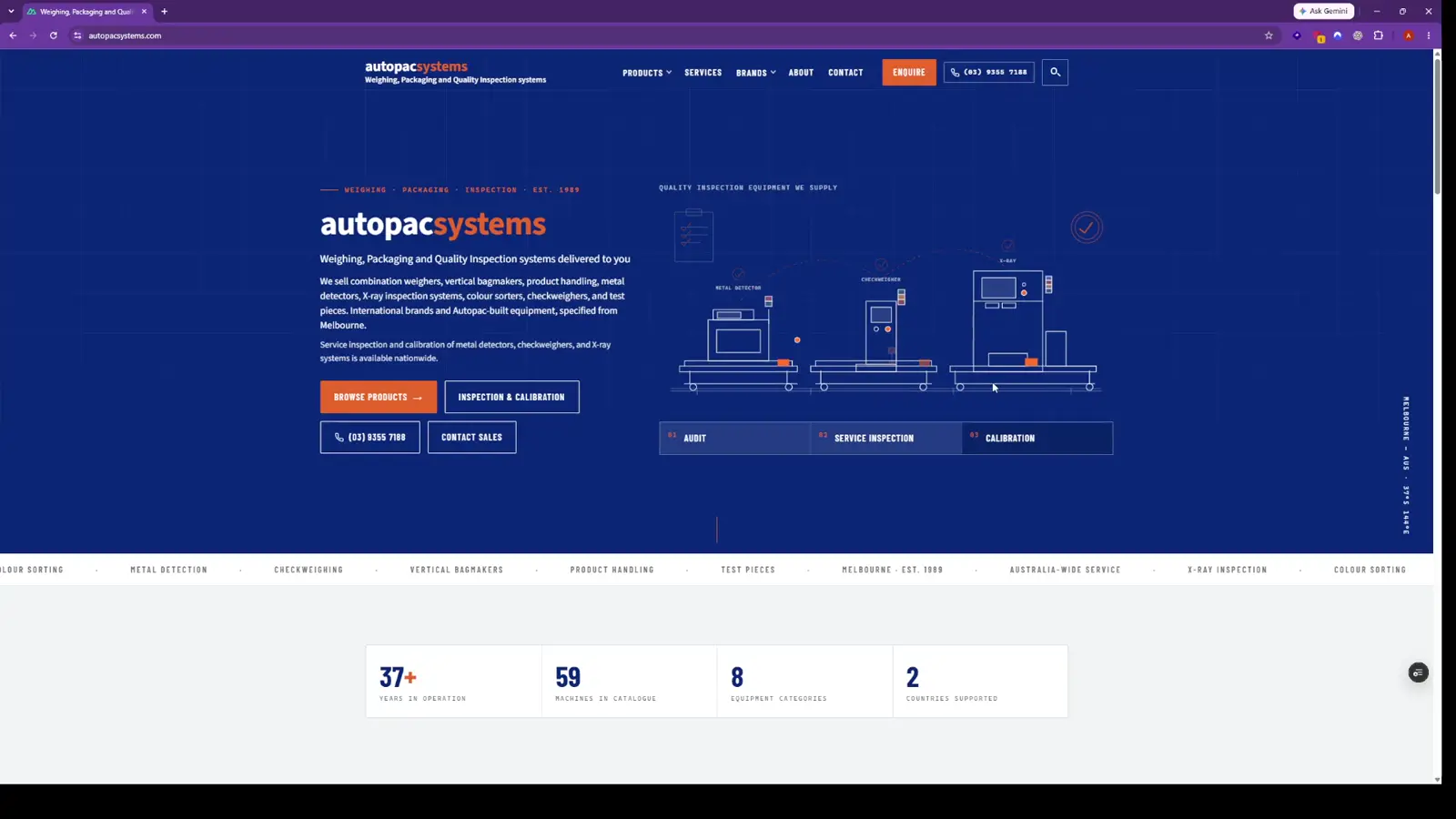
Case study
Case study: Autopac Systems, a Melbourne catalogue for weighing, packaging and inspection equipment.
View project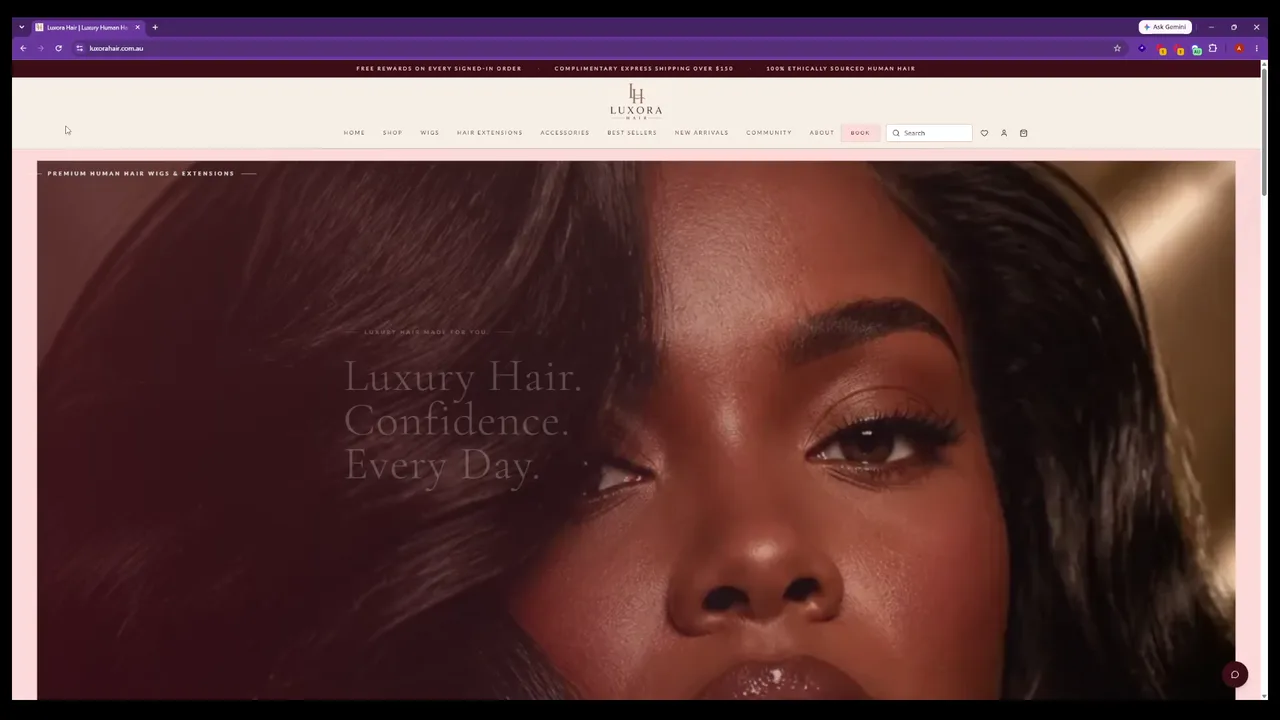
Case study
Case study: Luxora Hair, a custom Australian luxury hair ecommerce platform.
View project
Case study
Explore Ivory & Ash Atelier's salon website design: a Sydney salon identity, custom haircare ecommerce, Stripe checkout and an editable CMS by Alphesda.
View projectQuestions
This page is for storefront integration with an existing NetSuite account. A new ERP rollout or finance configuration needs a separate scope. You can keep your current NetSuite administrator or implementation provider.
No Oracle partner or certification status is claimed. This is an independent service. Access, licences and specialist responsibilities are agreed before implementation.
Official guidance
Go deeper
Next step
Tell us which storefront and NetSuite workflow is failing, how staff fix it today and what a reliable outcome would look like.