A popular search returns nothing
Shoppers type a part number, a nickname or a common misspelling. Test those searches against the catalogue and find out whether the miss comes from product data, synonyms, indexing or ranking.
BigCommerce site search and merchandising
Shoppers search for a product you stock and leave when it does not show up. Your merchandisers wait on a theme change to fix a filter or move a product. Alphesda helps you diagnose those problems on BigCommerce and decide whether to improve native search, assess Athos Commerce or plan a move from legacy Searchspring.
What gets in the way
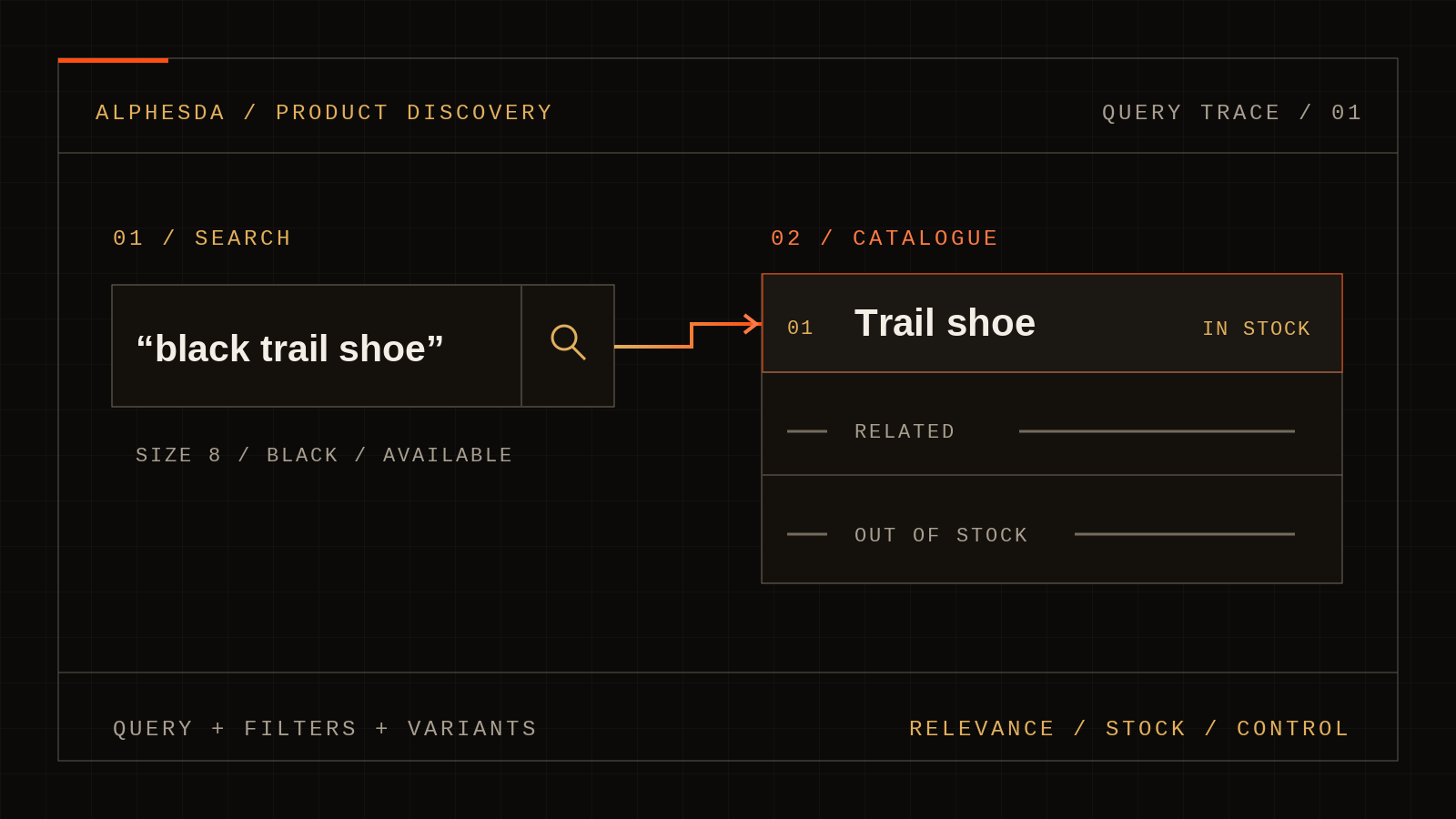
Shoppers type a part number, a nickname or a common misspelling. Test those searches against the catalogue and find out whether the miss comes from product data, synonyms, indexing or ranking.
A parent product looks available, but the selected size or colour is out of stock. Test the combinations people actually use and agree which variants should appear, disappear or move down.
Your team should know what it can pin, promote or exclude, when a rule expires and how to undo it. Agree where merchandising rules belong before adding another tool.
Built by Alphesda
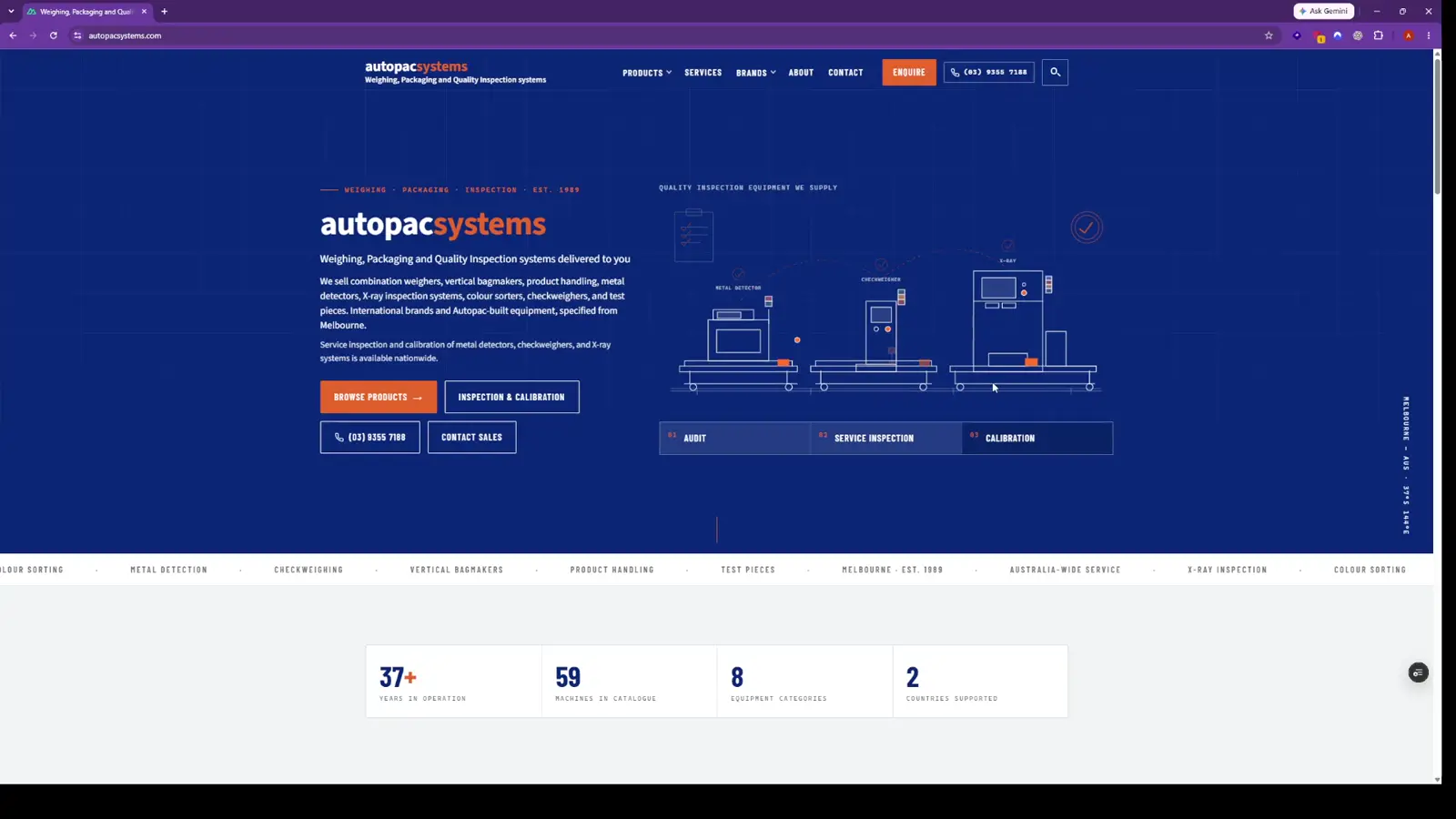
We built a searchable machinery catalogue with product-specific enquiries and staff publishing tools. This shows how we approach product discovery; it is not a BigCommerce, Searchspring or Athos Commerce case study.
Inspect the Autopac catalogue ↗Choose the option that earns its place
Review top searches, zero-result terms and filter usage. Clean up the catalogue and test improvements with representative products first. If native search solves the main problems, keep it.
Compare results, filters and merchandising controls against the same test queries. Check the catalogue feed, theme or headless storefront, stock rules, accessibility and the effort staff need to operate it. Verify features and vendor licensing for your setup before buying.
Inventory your feeds, search and autocomplete integration, snippets, facets and rules. Compare legacy and proposed Athos behaviour in a test storefront. Ask the vendor which assets and settings can transfer, and plan what to retain, rebuild or roll back.
How it works
Bring product URLs, serial numbers, common search phrases and a few zero-result examples. Agree the results shoppers should see and benchmark the current store.
Check expected products, in-stock variants, filter combinations, keyboard navigation and mobile behaviour. Compare before and after on the same query set, rather than relying on a vendor demo.
Set acceptance criteria, name who owns feeds and merchandising rules, and agree staged rollout, monitoring and handover. Check zero-result rate and search-to-product clicks after launch without promising a conversion uplift.
We can scope a standalone discovery pass first, including a query benchmark, a short list of fixes and a recommendation. Implementation and vendor licences are quoted separately; you can keep your current storefront.
Discuss your site searchProof
An example of a searchable catalogue and the staff workflow behind it, not a vendor-specific implementation.
Questions
Not automatically. Athos publishes separate instructions for existing Searchspring customers and new integrations. Confirm the option and timing with the vendor, then compare the benefit of moving against the risk and effort for your store.
No. This service improves how people find products after arriving at your store. Google search performance is a separate question. If a search change affects filter URLs or category pages, check that as a separate launch risk.
Alphesda offers independent assessment, implementation and migration support. We do not claim affiliation, partnership or certification with Searchspring, Athos Commerce or BigCommerce. Vendor licences and support are separate.
Send your storefront URL, a few searches that fail, and one example of a filter or merchandising change that takes too long. If you already use Searchspring, say whether it runs on a standard or custom storefront. Do not send credentials or customer records.
Official guidance
Go deeper
Next step
Send the store URL and a few queries or merchandising changes that give your team trouble. We’ll work out what to check first.